Rate your experience
Leave star ratings and comments about the platform and the people you worked with after a session ends.
You can leave feedback on any session that has ended. This includes sessions held on another platform, such as Zoom or Teams.
When you leave a SignGlasses session, the feedback page opens on its own: select Leave, then select Leave again to confirm. Fill in the page as described below.
Leave feedback on a past session
In a browser:
The Leave Feedback button appears on the session page two hours after the session ends.
- Open Calendar and find the finished session.
- Select the session, then select More details.
- Select Leave Feedback at the top right of the session information.
In the mobile app, you can leave a review any time after the session has ended:
- On the dashboard, select Sessions to Review.
- Select the session.
Submit Review is at the bottom of the page.
Fill in the feedback page
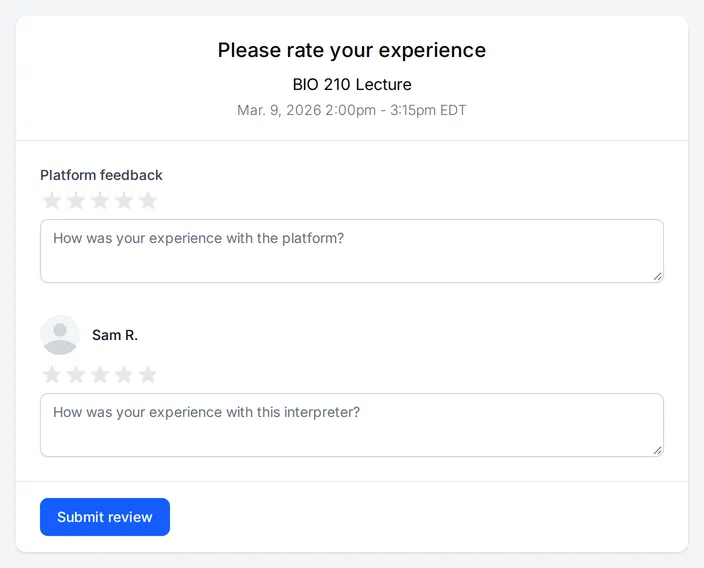
- Select the number of stars that matches your experience with the platform.
- Enter any details that would help the SignGlasses team.
- Do the same for each interpreter or captioner.
- Select Submit review.